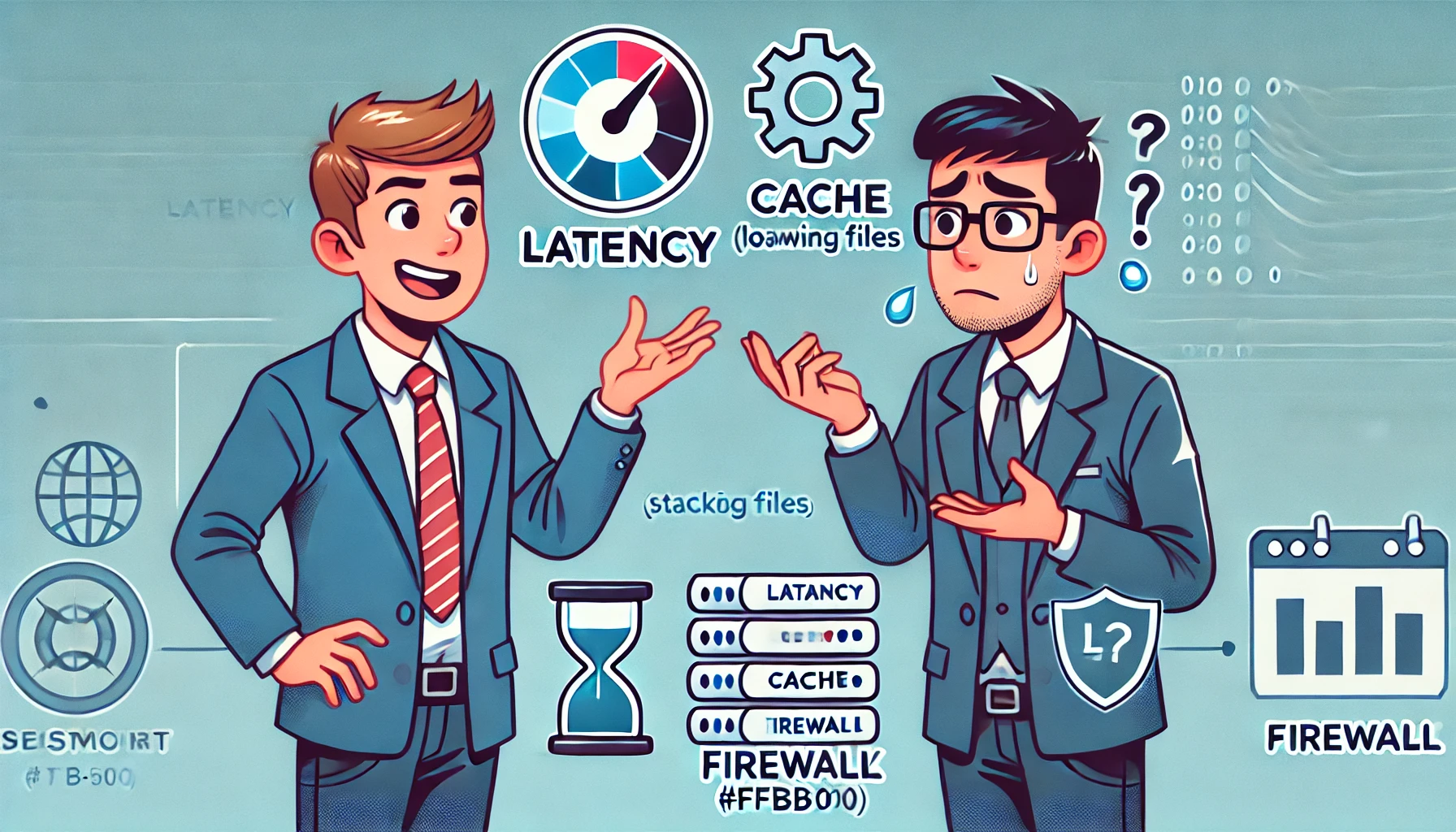
Business leaders make strategic decisions daily, but when it comes to IT, things can get frustratingly technical. Your IT team may be trying to keep your business secure and efficient, but their explanations sometimes sound like another language. Let’s break down the IT issues you need to know—minus the jargon overload.
1. “Your network has high latency, which affects performance.”
What this really means: Your business is losing efficiency because of slow data movement. High latency causes delays in cloud applications, video calls, and online transactions. If your team experiences lag or buffering, it’s time to optimize your network with better bandwidth, structured cabling, or cloud acceleration tools.
2. “We need to configure your firewall rules.”
What this really means: Your security system is blocking or allowing traffic based on outdated settings. Firewalls protect your business from cyber threats, but if not managed correctly, they can also block essential applications. A well-configured firewall balances security and accessibility, ensuring smooth operations without exposing your data.
3. “Your system needs urgent patch updates.”
What this really means: Your business is at risk due to outdated software. Hackers exploit security gaps in unpatched systems, leading to data breaches and downtime. Updating your software isn’t just about new features—it’s about preventing costly cyberattacks and ensuring compliance with industry regulations.
4. “Your current backup strategy lacks redundancy.”
What this really means: If disaster strikes, your business could lose everything. A single backup isn’t enough—proper redundancy means having multiple copies stored in secure locations, including the cloud. This ensures that ransomware attacks, hardware failures, or accidental deletions don’t cripple your operations.
5. “Your infrastructure needs better scalability planning.”
What this really means: Your IT setup is limiting your growth. If your systems can’t scale with demand, you’ll face performance bottlenecks, increased costs, or security risks. Future-proofing your IT means investing in solutions that grow with your business, whether through cloud infrastructure, remote work capabilities, or automation.